
14 min 58 sec
Available in: English
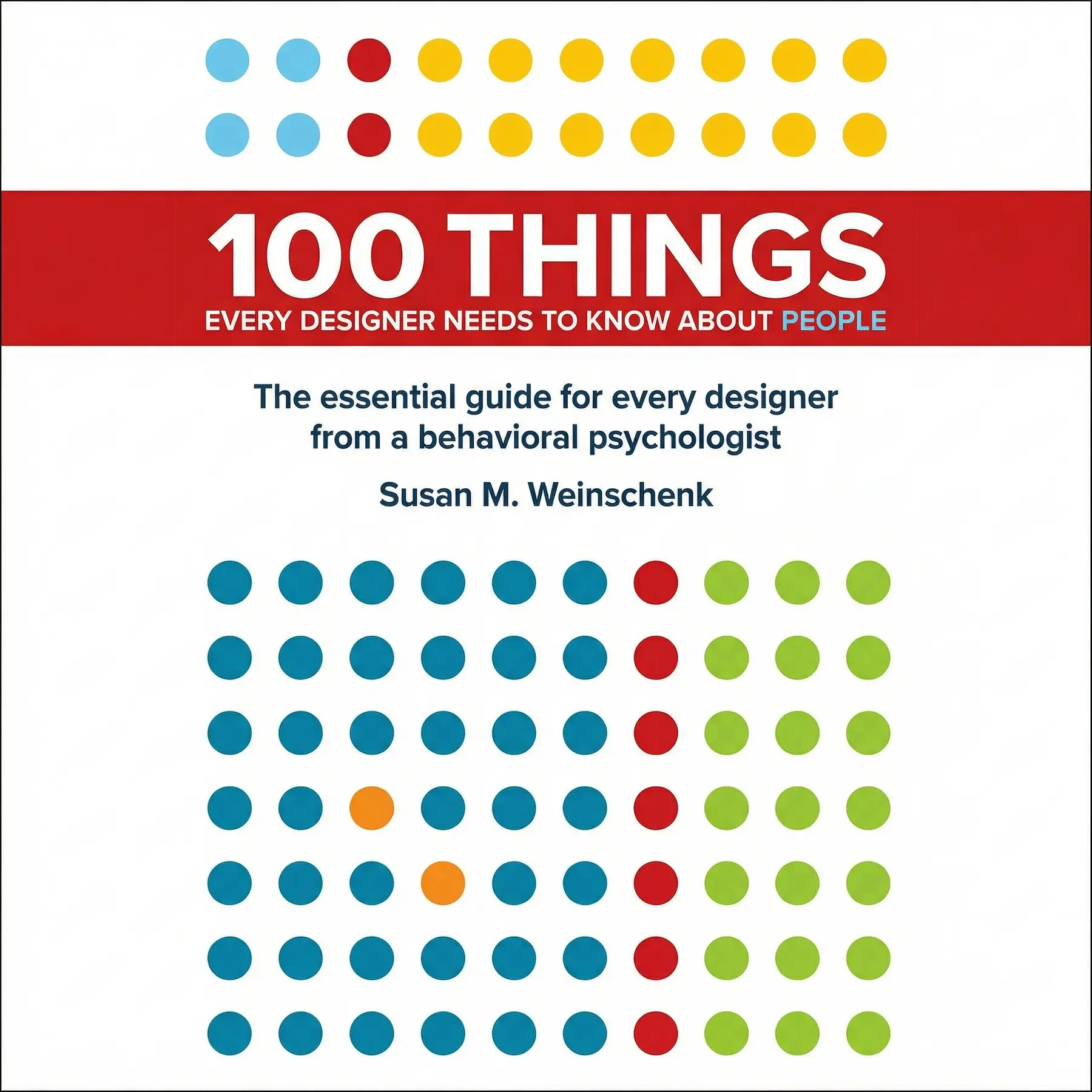
English100 Things Every Designer Needs to Know About People
Shows how vision, memory, empathy, attention, motivation and choice work in the human brain, and how designers can use them to build products, pages and messages that people notice, understand and come back to.
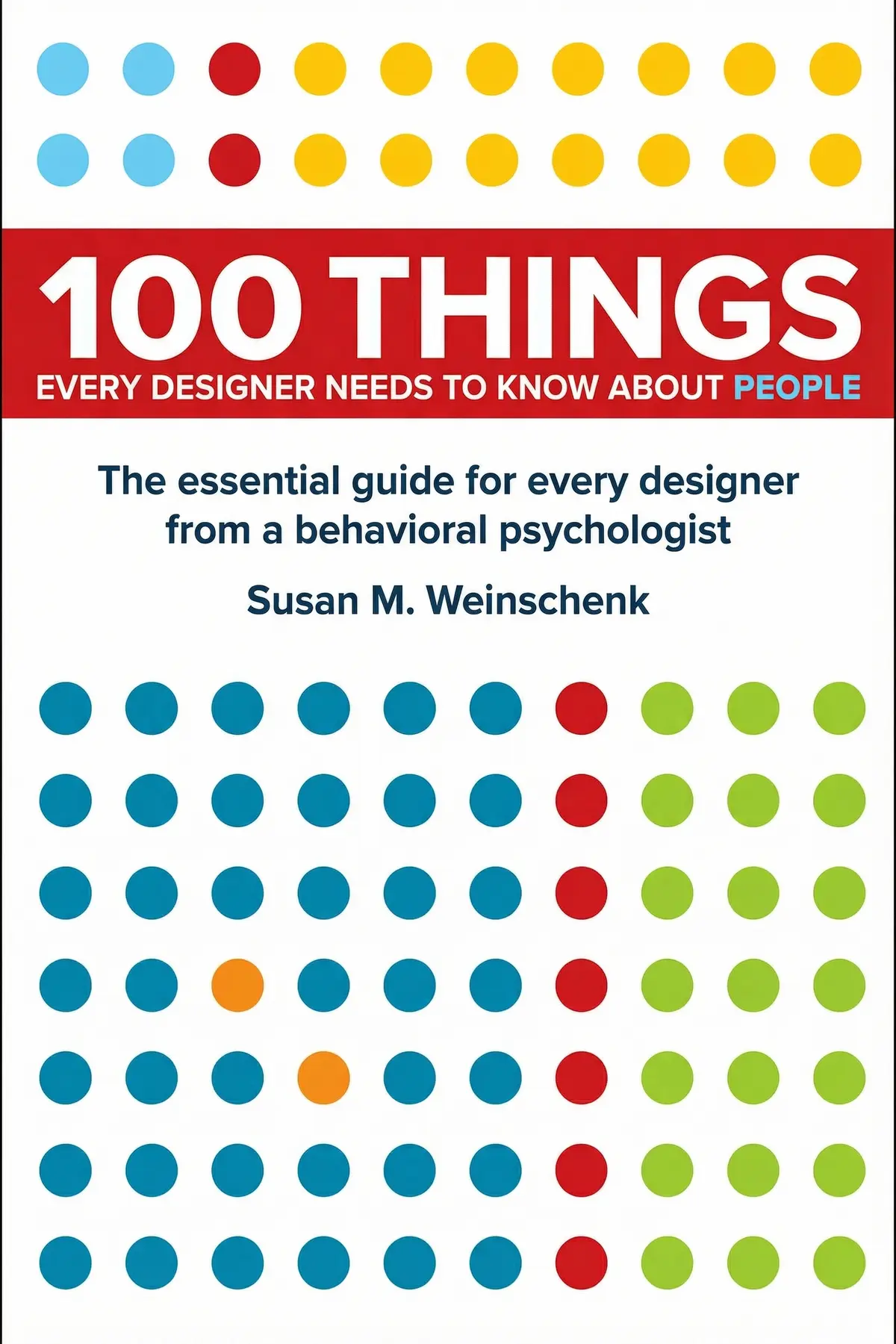
Table of Content
1. Introduction
1 min 04 sec
If people skim past your website, forget your pitch or give up on your app halfway, the problem may not be taste at all. Psychologist Susan Weinschenk points out that people take in most of a scene through peripheral vision, the edges of sight, which is why a flashing side ad beats the article you meant to read. In 100 Things Every Designer Needs to Know About People, she turns findings like that into rules for building things people notice and remember.
Her argument is that great design is applied psychology. Work with the way brains actually see, remember, feel and decide, and people will notice your work, understand it and come back to it. The book moves through vision, memory, empathy, attention, motivation and choice. What it offers is a set of specific moves for anyone who builds a slide, a form, a website or a menu, from splitting content into groups of four to stamping two boxes on a loyalty card before the customer buys anything.
2. Put what matters where the eye drifts
1 min 46 sec
A flashing ad at the edge of a page can defeat the most determined reader. The reason goes back to our ancestors, and it changes where the important parts of any design belong.
3. Serve information in groups of four
1 min 54 sec
Billions of signals hit the brain every second, yet only a slice reaches awareness. A familiar phone number format shows the simple trick that gets your message through the bottleneck, and why forgetting is part of the plan.
4. Make ideas last with repetition and story
1 min 58 sec
Short-term memory holds only so much, so most of what people take in never makes it into long-term memory. A structure described more than two thousand years ago still beats every other way of making a product, a feature or a pitch stay in someone’s head.
5. Treat every click like a polite conversation
1 min 33 sec
A slow website and a friend who answers nonsense trigger the same reaction in us. The brain cells behind a returned smile explain why users judge software by the rules they use for people.
6. Design for wandering minds and protect flow
1 min 45 sec
People badly misjudge how often their thoughts drift, and on some tasks the real figure is startling. The same research points to the one condition under which users stop drifting and lose track of time.
7. Keep users moving with feedback and visible progress
2 min 01 sec
Two loyalty cards demand exactly the same number of purchases, yet customers fill one faster. The difference is an illusion, and it sits alongside the chemical thrill that makes social apps so hard to put down.
8. Fewer real options can feel like more choice
1 min 49 sec
A dessert menu that takes five minutes to read sounds generous, but it can leave diners worse off. Weinschenk’s fix keeps the pleasure of choosing while removing most of its cost.
9. Conclusion
1 min 08 sec
Weinschenk’s book reads like an instruction manual for the human being who sits at the other end of the screen. That person notices motion at the edge of the page before the words in the middle. They hold about four things at once and forget most of the rest. They drift off far more often than they realize, copy the faces around them, and believe they choose freely when much of the choosing happens out of sight. None of that is a flaw for design to fix. It is the material design is made of.
In practice, the moves are small. Before you show anything, count the pieces and group them so no cluster holds more than four. Tell a feature as a three-act story with a person, an obstacle and a resolution. Make your product reply to every action quickly and sensibly, the way a considerate friend would. And give people a head start toward any goal, like the coffee card with two boxes already stamped.
Objects that feel effortless are the ones where someone first did the hard work of understanding the people who would use them. Start with the person, and the look of the thing can follow.
About this book
What is this book about?
Most designs fail for reasons that have little to do with how they look. People skim, forget, drift off and leave, and they do it because the design asks their brains to work in ways brains do not work. Psychologist Susan Weinschenk argues that the fix is to put human psychology first and treat great design as applied knowledge about people. She walks through the mental machinery a designer works with. That covers why peripheral vision grabs our attention and why our eyes invent patterns, why information sticks best in groups of four, and how repetition and story move ideas into long-term memory. She also explains why mirror neurons make people expect software to follow social rules, how often minds really wander, what dopamine and a nearby finish line do to motivation, and why most choices are made below awareness. Readers get practical moves they can try at once. Group content into small chunks. Reveal detail step by step. Tell features as three-act stories. Make every interaction reply quickly and sensibly, and give users a visible head start toward their goals. The result is a sharper understanding of the human being using the screen at the other end.
Book Information
Who it's for
Digital designers
Web, product and UX designers who want their choices grounded in how people see, remember and decide.
Founders and marketers
Founders and marketers whose pages, apps or pitches get skimmed and forgotten.
Hoping users follow through
Anyone who builds slides, forms or menus and wants people to finish what they start.
About the Author
Susan M. Weinschenk
Susan M. Weinschenk holds a Ph.D. in Psychology and a master's degree from Pennsylvania State University, and completed her undergraduate degree at Northeastern. She founded the Weinschenk Institute and works as a speaker, teacher and consultant for companies, start-ups, non-profit agencies and educational institutions. She has also written a blog for Psychology Today. Her training in psychology is what she brings to design: an account of how people see, remember and decide.
Ratings & Reviews
Ratings at a glance
What people think
Listeners find the book’s content highly insightful, with one individual noting how the author condenses complicated psychology into functional, brief insights. Furthermore, the material is both interesting and relevant, and one listener mentions that the layout is excellent for fast consultation. The writing is also very accessible, with one review praising how well it links to actual design situations.
Top reviews
Chokdee
Honestly, this book is exactly what I needed as a junior designer. I’ve always found psychology textbooks a bit dense and inaccessible, but Weinschenk manages to distill these massive, complex behavioral theories into bite-sized, actionable insights. Personally, I found the section on how people scan screens to be a complete game-changer for my current project. It’s the kind of book you can just leave on your desk and flip to a random page when you’re stuck on a layout decision. Some might say it’s a bit basic if you’ve already got a degree in psych, but for the rest of us, it’s gold. Every page feels relevant to real-world design challenges.
Show moreMattanee
If you want to understand why users do what they do, get this. It’s probably the most useful resource in my library for explaining my design choices to stakeholders. Instead of just saying 'I think this looks better,' I can point to a specific psychological principle. I loved the takeaways at the end of each chapter; they give you a clear direction on how to apply the science. It’s very readable and doesn't get bogged down in neuroscience jargon, even when she’s explaining brain functions. Some parts might feel obvious if you have a lot of common sense, but having the scientific backing behind those 'obvious' things is incredibly valuable. Highly recommended for any UX/UI toolkit.
Show moreManika
As someone who actually has a psychology degree, I think Weinschenk did a brilliant job translating these concepts for a creative audience. It’s not easy to take complex neuroscience and make it applicable to button placement or typography, but she does it. I personally didn't mind the brevity of the chapters; in fact, I think the '100 things' format is perfect for busy professionals. The book connects well to real-world design decisions without being overly prescriptive. It’s an engaging read that really makes you think about the human brain as the primary interface. I’ve already bought a copy for two of my colleagues. Truly a must-read for the modern designer.
Show moreJackson
This book is fantastic! It’s one of the few design books I’ve read that I actually finished in a weekend. The bite-sized insights are easy to digest and even easier to apply. I really appreciated how the author distills complex theories into practical tips. It feels very human and grounded. My only minor gripe is the occasional typo, but the content is so good that I can overlook a bit of poor copy editing. If you’re a designer who cares about UX, you need this on your shelf. It really helps bridge the gap between 'how it looks' and 'how it works' in the user’s mind.
Show moreFrida
I really enjoyed how this was structured. It’s not a deep dive, which might frustrate some, but as a quick reference guide, it’s fantastic. I felt like the author did a great job connecting abstract science to actual interface choices. There were a few weird moments, like the 'online daughter' typo that definitely should have been caught in editing, and she does mention her other book, Neuro Web Design, a lot. Like, a lot. Still, the core information is solid. It’s light, concrete, and very easy to understand. It’s become a bit of a staple on my commute lately because the chapters are so short and punchy. Definitely worth a read.
Show moreThanit
This is a great 'grab-bag' of information. It’s essentially a curated list of psychological studies that affect how we perceive information. I particularly liked Chapter 66—it really opened my eyes to how we process social validation. I’ll admit, the tone is a bit inconsistent at times, shifting from academic to very casual, but it never feels boring. I did notice some of the references are a bit US-centric, which might be a slight hurdle if you aren't familiar with certain cultural cues, but the universal human behaviors it covers are spot on. It won't make you an expert overnight, but it definitely makes you more mindful of the 'people' side of design.
Show moreArjun
I bought this on a whim and I’m glad I did. It’s very easy to read and the layout makes it perfect for quick reference when you're in the middle of a project. I felt some of the takeaways were a bit 'lite,' and the author does take some results at face value without looking at competing studies, but for a general design book, it works. The section on facial expressions was a bit of a stretch, honestly. But the bits about memory and attention? Those were gold. It’s a very practical book that doesn't pretend to be more than it is: a helpful guide to human behavior. Great for a quick refresher!
Show moreNang
A very solid compilation of studies that are fundamental to interaction design. It’s written in a light, easy-to-understand mode that makes it very quick to pick up. If you're a seasoned UX researcher, you might not find a ton of new info here, but it serves as an excellent reminder of the basics. I did feel that some of the visual examples were a bit dated, and the book's own design could have been cleaner. However, the core message is vital. It’s a good personal development book that opens your eyes to the nuances of human perception. I find myself quoting it in meetings quite a bit lately.
Show moreSomboon
At the start, I was really into it, but eventually, I started skimming. It’s a bit of a mixed bag. Some chapters are incredibly insightful, while others feel like filler or common sense that didn't need a whole section. I was frustrated by the 'skimming' nature of the writing—I wanted more detail on the methodology of the studies she mentioned. Also, as others have noted, the constant plugging of 'Neuro Web Design' gets old after the fifth or sixth time. It’s a decent introductory text for someone who hasn't read much popular psychology, but if you’ve read any Gladwell or Ariely, you’ve probably heard half of this before. It’s okay, just not groundbreaking.
Show moreKanokporn
I really wanted to love this given how often it's recommended, but I struggled with the lack of depth. It feels like a collection of random notes rather than a cohesive book. My biggest issue was the overinterpretation of some studies. For example, the author suggests that small text makes people frown, which then somehow makes them feel unhappy with the content? That’s a massive logical leap. I also found the constant self-promotion of her other titles a bit distracting. The visual design is surprisingly poor for a book about design—the layout has too much wasted white space and weirdly aligned bullet points. It’s okay as a total beginner’s primer, but seasoned designers will find it way too superficial.
Show moreQuestions about this book
What is the main idea of 100 Things Every Designer Needs to Know About People?
Susan Weinschenk argues that successful design puts human psychology first. Designers should understand how people see, remember, feel, focus, stay motivated and choose, then shape their work around those facts. Her examples include peripheral vision drawing the eye to the edges of a page, information sticking best in groups of four, and loyalty cards with a head start getting filled faster.
How much information should a design show at once, according to Weinschenk?
Weinschenk says studies point to four as the number that works. Information is easier to absorb when it is split into groups of no more than four items, the way phone numbers are broken into short blocks. She also recommends progressive disclosure: show a short list of categories first and let people click through for subcategories and details, so nobody faces everything at once.
What is the goal-gradient effect in design?
The goal-gradient effect means people speed up as they get closer to a goal. Weinschenk’s example is a coffee loyalty card. A card with 12 boxes and two already stamped gets filled faster than a card with 10 empty boxes, even though both need 10 purchases. Designers can use it by showing progress that starts partly complete in sign-ups, courses or onboarding.
Why do users abandon slow or unresponsive websites?
Weinschenk explains that mirror neurons drive imitation and empathy, which push people to follow social rules in conversation. Users bring those same expectations to software. A site that loads slowly or fails to respond feels like a person who ignores you or replies with nonsense, so people are put off. Her advice is to design every interaction as if it were a considerate conversation.
Who should read 100 Things Every Designer Needs to Know About People?
It suits web, product and UX designers, as well as founders, marketers and anyone who builds presentations, forms or menus. Readers who want practical rules drawn from psychology will find specific moves: grouping content into fours, telling features as three-act stories, breaking up dense text for wandering minds, giving constant feedback and offering variations instead of an overwhelming range of options.
Readers also enjoyed

59 Seconds: Change Your Life in Under a Minute
Richard Wiseman
A Liberated Mind: How to Pivot Toward What Matters
Steven C. Hayes
AUDIO SUMMARY AVAILABLE
Listen to 100 Things Every Designer Needs to Know About People in 15 minutes
Get the key ideas from 100 Things Every Designer Needs to Know About People by Susan M. Weinschenk, plus 5,000+ more nonfiction titles.
- 5,000+ titles
- Listen as much as you want
- 7-day free trial
- Cancel anytime