
AI 2041: Ten Visions for Our Future
Kai-Fu Lee
 English
 ไทย
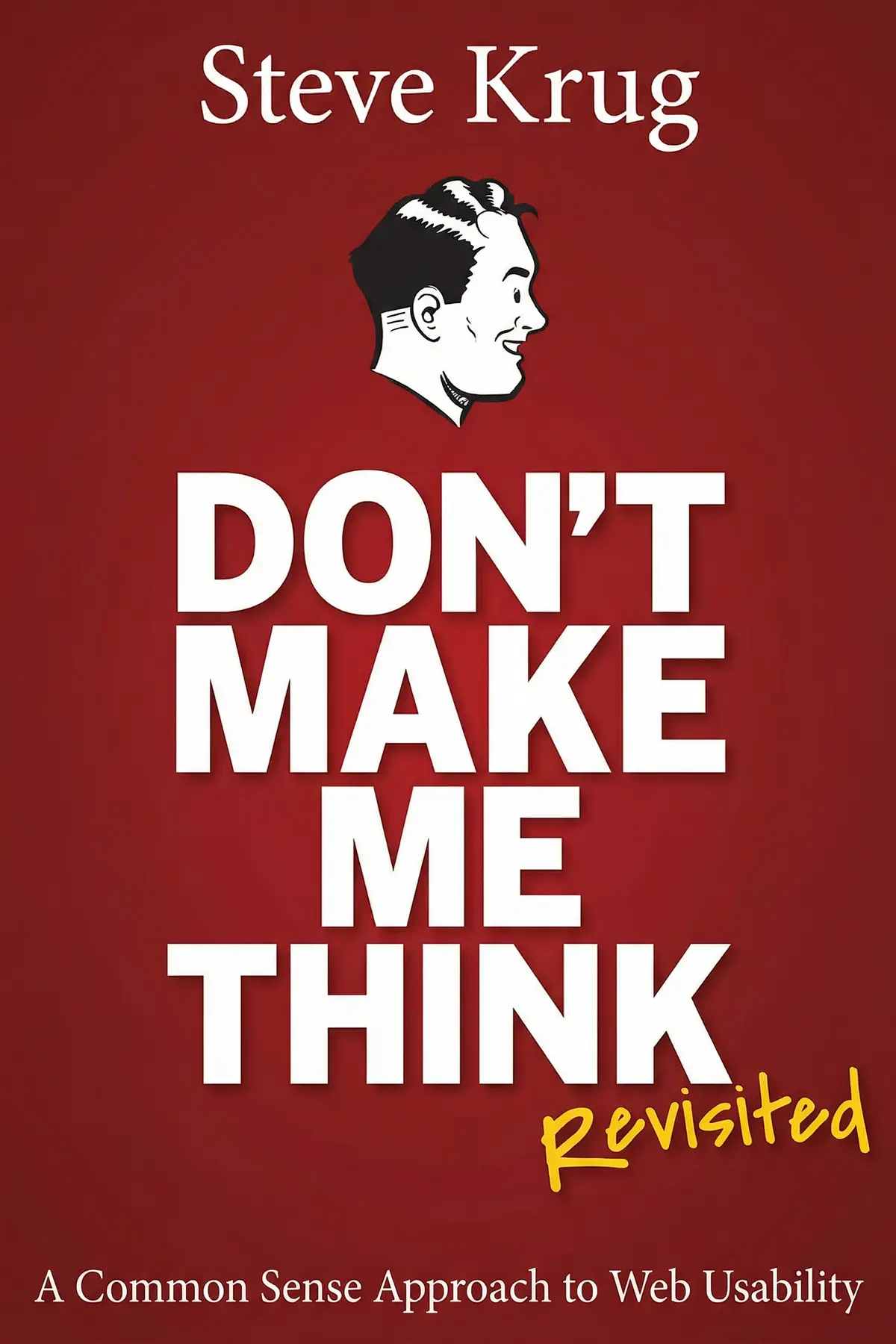
ไทยShows why web visitors scan and guess instead of reading, how to design pages, menus and home pages around that habit, and how to prove they work by watching a few real people use them.
50 sec
If you build or run a website, you probably picture visitors reading the page, weighing their options and choosing the best path. In Don’t Make Me Think, Revisited, usability consultant Steve Krug argues that almost nobody does this. People scan, click the first thing that looks promising and leave the moment they feel lost.
So the test of any site is simple: can a hurried stranger see what to do next without stopping to think? Krug’s route to passing it runs from pages built for skimming to menus that follow habits visitors already have, and ends with the step most teams skip, watching a few ordinary people use the site.
What you gain is a cheap, repeatable way to find where your site confuses people, and evidence strong enough to get it fixed.
1 min 37 sec
Almost nobody reads the instructions for a new gadget, and firefighters in danger rarely compare their options. That same shortcut shapes every click on your website, whether or not you planned for it.
1 min 41 sec
Visitors skip the welcome text on almost every corporate site, and eye-tracking shows whole parts of a page go unseen. Krug’s comparison with roadside advertising explains what your pages are really competing against.
1 min 52 sec
A website hides its size and shape from anyone who arrives, and one confused moment sends them away for good. A handful of familiar page elements, borrowed rather than invented, keeps them oriented and trusting.
1 min 43 sec
Every department wants a spot on the home page, and giving in seems harmless. A web design study suggests the cost is higher than clutter: a confused first glance can color everything a visitor sees afterward.
1 min 49 sec
Designers want elegance, developers want features, and each is sure everyone agrees. Krug’s way out of the argument costs little more than pizza and a bit of cash, and seeing a tester struggle can lead a skeptical manager to start taking usability seriously.
1 min 34 sec
Teams put off usability testing because they imagine research budgets and hundreds of participants. Krug’s version is small enough to run before a site even exists, and it can win over a reluctant boss with one number.
1 min 23 sec
A small screen tempts teams to strip their site down to the basics for people on the go. Krug thinks that picture of the mobile user is mistaken, and the fix is to rank rather than cut.
56 sec
Krug’s case reduces web design to one discipline: respect for a visitor who is in a hurry and will never read the manual. Short paragraphs, familiar menus and a tagline beside the logo each remove a moment where that visitor would otherwise stop and puzzle. Because the people who build a site can never see it as a stranger does, the final judge always has to be a stranger.
That keeps the next step small. Look at your most important page as a driver passing a billboard would, and check that its point and its next click are plain. Write a tagline a newcomer would understand at once. Then find three people, offer them pizza or a little money, and watch them attempt your most important task while you stay quiet and take notes. Fix whatever stopped them and let the small stumbles go.
A team that has watched someone get lost on its own site rarely argues about taste again.
Most websites are built as if visitors will read carefully and think before they click. Steve Krug, a usability consultant with more than 20 years of client work, argues the opposite. People online scan, guess and settle for the first link that looks good enough, and they leave as soon as a site confuses them. From that starting point Krug builds a practical approach to usability. Pages should work like billboards for passing traffic, with short text, clear headlines and an obvious hierarchy. Navigation should repeat the same few tools on every page and follow conventions visitors already know. The home page should create an accurate first impression, often through one lively tagline. Phone versions should load fast and put the most wanted features first. His most distinctive advice concerns testing. Opinions about design never settle anything, so Krug shows how to watch three ordinary people use a site, note the worst problems, and do it early and cheaply, with managers in the room. Readers get a routine any team can run in a few hours.
Founders and small business owners whose website gets visits but few sales or sign-ups.
Designers, developers and product managers tired of arguing over layouts by personal taste.
Marketers and content writers who want visitors to find key information in seconds.
Steve Krug is a user experience professional based in Chestnut Hill, Massachusetts, who runs a one-person consulting firm called Advanced Common Sense. For more than 20 years he has advised organizations on web usability, including Apple, Bloomberg, Lexus, NPR and the International Monetary Fund, and he teaches in-house workshops on do-it-yourself usability testing. Don't Make Me Think, now in its third edition, grew out of that work. He also wrote Rocket Surgery Made Easy, a handbook for running usability tests yourself.
Listeners consider this work a foundational guide for web industry professionals, applauding its realistic tips and uncomplicated perspective on usability. The content is particularly advantageous for novices and intermediate UX specialists, offering lucid instructions for crafting intuitive websites. Listeners appreciate the author's wit and pragmatic mindset, with one listener highlighting how it makes instances of poor design feel relatable. The writing is praised for not being excessively long-winded, and listeners prize the thorough exploration of fundamental web design principles.
Ever wonder why some websites feel like a chore to use while others just flow? Steve Krug answers that by pointing out the obvious things we somehow always miss. His 'common sense' approach to usability is refreshing because it doesn't hide behind academic jargon. Instead, it uses clear diagrams and a witty tone to explain that users don't want to solve a puzzle—they just want to find the 'Buy' button. The logic is so simple it's almost painful that more companies don't follow it. Even though some of the site screenshots look like relics from the dial-up era, the psychological principles are timeless. You’ll find yourself nodding along as he explains how we scan pages rather than reading every word. It’s a fast, punchy read that serves as a necessary reality check for any designer who gets too caught up in their own cleverness.
Show moreSteve Krug has a gift for taking complex UX theories and distilling them into something your grandmother could understand. I’m a total amateur when it comes to design, but this book gave me the confidence to actually look at a page and spot what’s broken. The 'DIY Usability Testing' chapter is the real gold here; it proves you don't need a massive budget or a lab to get useful feedback. You just need a person and a script. I loved the 'goodwill reservoir' analogy, which explains why users get frustrated when they encounter tiny hurdles like mandatory registrations. It’s funny, approachable, and uses color diagrams effectively to show rather than just tell. If you’re just starting out in tech or marketing, this is the first book you should buy. Period.
Show moreWow, the concept of the 'goodwill reservoir' alone was worth the price of admission. It’s such a simple way to visualize how much patience a user has before they eventually give up and close the tab. Krug’s writing style is incredibly lean; he practices what he preaches by not making the reader work too hard to understand his points. I particularly enjoyed the section on home page design and how to avoid the 'everything is important' trap. It’s a short book, but it’s packed with insights that apply to everything from email newsletters to complex software. To be fair, the accessibility chapter was a bit light and mostly just pointed me toward other books, which was a minor letdown. Regardless, the core advice on making things self-explanatory is something I’ll be carrying into my daily workflow for years.
Show moreIf you work in product, you have no excuse for not having this on your shelf. It is the definitive guide to web usability for a reason. Steve Krug manages to be both incredibly funny and deeply practical, which is a rare feat for a business book. His main argument—that we should aim for design that requires zero thought—is the North Star for everything my team builds now. I love how the book is formatted; it’s colorful, easy to navigate, and uses great examples of 'before and after' designs. Even if you think you know UX, the sections on mobile constraints and navigation are fantastic reminders of the basics we often overlook. It’s the kind of book you can finish in an afternoon and start applying to your work the very next morning. Pure common sense, brilliantly delivered.
Show morePicked this up on a recommendation and finished it in two sittings. It’s rare to find a technical book that actually makes you laugh out loud, but Krug’s observations on bad design are just so relatable. He captures that feeling of frustration we’ve all had when a website hides its contact info or has a confusing 'Submit' button. The book isn't wordy at all, which is a huge plus—it follows its own advice by being easy to scan and digest. Some might say it's too basic, but in my experience, the basics are usually where things fall apart. Whether you’re a CEO, a designer, or a project manager, this book gives you a shared language to talk about what makes a product actually work. It’s a classic for a reason and still holds up remarkably well despite its age.
Show moreAfter hearing about this 'bible' of web design for years, I finally dove in. It’s a brisk read, perfect for a short flight, and Krug’s voice is incredibly conversational. Personally, I think the strongest part of the book is the section on navigation and breadcrumbs—it really makes you rethink how you structure a site’s hierarchy. However, to be fair, the 'revisited' part of the title feels a bit generous. While mobile and accessibility get a nod, many of the examples are clearly from an older web. I wish there was more focus on modern web apps rather than just traditional static websites. Still, the core message of reducing cognitive load for the user is something every developer needs to hear. It's less of a technical manual and more of a mindset shift.
Show moreThis is the ultimate 'plane ride' book for anyone in tech. It's thin, full of color, and gets straight to the point without any fluff. Krug's sense of humor is definitely a choice—some might find the comics a bit patronizing—but I found them lighthearted enough to keep me engaged. The book excels at highlighting 'common sense' things that designers often forget in favor of aesthetics. For instance, the way he breaks down how users actually scan a page in a Z-pattern was a total lightbulb moment for me. Not gonna lie, some of the screenshots of old Amazon pages are hilarious to look at now, but they actually prove his point: good usability isn't about being trendy. It's about being invisible. It’s a great refresher for vets and a solid foundation for newbies.
Show moreAs someone who spends most of their day in the backend, design has always felt like a dark art that I wasn't allowed to touch. This book changed that for me. It demystifies the process by focusing on the user's psychology rather than just 'making things pretty.' The chapter on usability testing was a game-changer; it showed me that I can run my own tests without needing a specialized team. I did find some of the comics a bit cheesy, but the actual information is gold. Krug explains why we need to make things 'self-evident' so the user never has to pause and wonder 'can I click this?' It’s a quick read, but I’ve already found myself using his 'scanning' logic to fix some of the internal tools I build. Definitely worth a spot on any engineer's desk.
Show moreThe truth is, while the core philosophy here is rock solid, the actual examples feel like a time capsule from the early 2000s. I came into this hoping for a modern take on UX, but I spent a lot of time looking at layouts that haven't been relevant for a decade. Look, the principle of 'don't make me think' is immortal, but the application has changed so much with the rise of SPAs and complex web apps. Krug's writing is quirky, but at times it felt like he was trying too hard to be the 'cool teacher,' and the footnotes started to grate on me after the third chapter. I did appreciate the quiz sections where he asks you to identify flaws in a site—that was actually quite helpful. But overall, it felt a bit like learning to drive in a Model T. The mechanics are the same, but the road has changed.
Show moreFrankly, I felt like I was reading a 200-page bibliography rather than a guide. Every time the author introduced a vital topic—like font legibility or deep accessibility—he’d spend two paragraphs on it and then tell me to go read someone else’s book. I didn’t pay for a reading list; I paid for a distillation of his expertise! While I get that he wants to be concise, it felt like he was dodging the hard work of explaining the 'how.' Also, the jokes and 'mensch' factor he tries to inject were more distracting than helpful for me. I was expecting a deep dive into modern UX principles, but what I got was a very high-level overview that felt slightly outdated. If you’ve never thought about design before, this might be okay, but for anyone already in the industry, it's pretty thin.
Show moreSteve Krug argues that people online do not read carefully or weigh their options. They scan pages, click the first thing that looks promising and leave when they feel lost. A usable website therefore makes every next step obvious, follows conventions visitors already know and gives a clear first impression. Because builders cannot judge their own site objectively, Krug says the real proof comes from watching ordinary people try to use it.
Satisficing is the habit of taking the first option that seems good enough instead of comparing every option and choosing the best. Krug cites a study showing firefighters do this even in high-pressure situations. Web visitors do it constantly, because a wrong click costs only a tap of the back button and guessing feels like a game. Designers should make sure the first thing that catches the eye is the right choice.
Krug says three ordinary web users are enough. A usability test is not a scientific study and does not need statistically significant results; it only needs to show where people struggle. Everyone watching notes the top three problems, and the team fixes the issues that actually stopped testers while ignoring small stumbles they recovered from alone. Small tests can run early, even on competitors’ sites before you build anything.
Krug recommends a bar of section names across the top showing what the site contains, plus four items on every page. A search box lets people skip learning the site’s structure. A marker shows where they are, like a red dot on a mall directory. A logo links back to the home page. A utilities area holds practical items such as login, a site map and frequently asked questions.
It suits anyone responsible for a website or app: founders and small business owners, designers, developers, product managers and marketers. It is especially useful for teams stuck arguing about design by personal taste, because Krug replaces opinion with a simple routine of watching three people use the site. His advice on home pages, navigation, mobile versions and convincing a skeptical boss is concrete enough to apply the same week.
AUDIO SUMMARY AVAILABLE
Get the key ideas from Don’t Make Me Think, Revisited by Steve Krug, plus 5,000+ more nonfiction titles.