14 min 29 sec
Available in: English
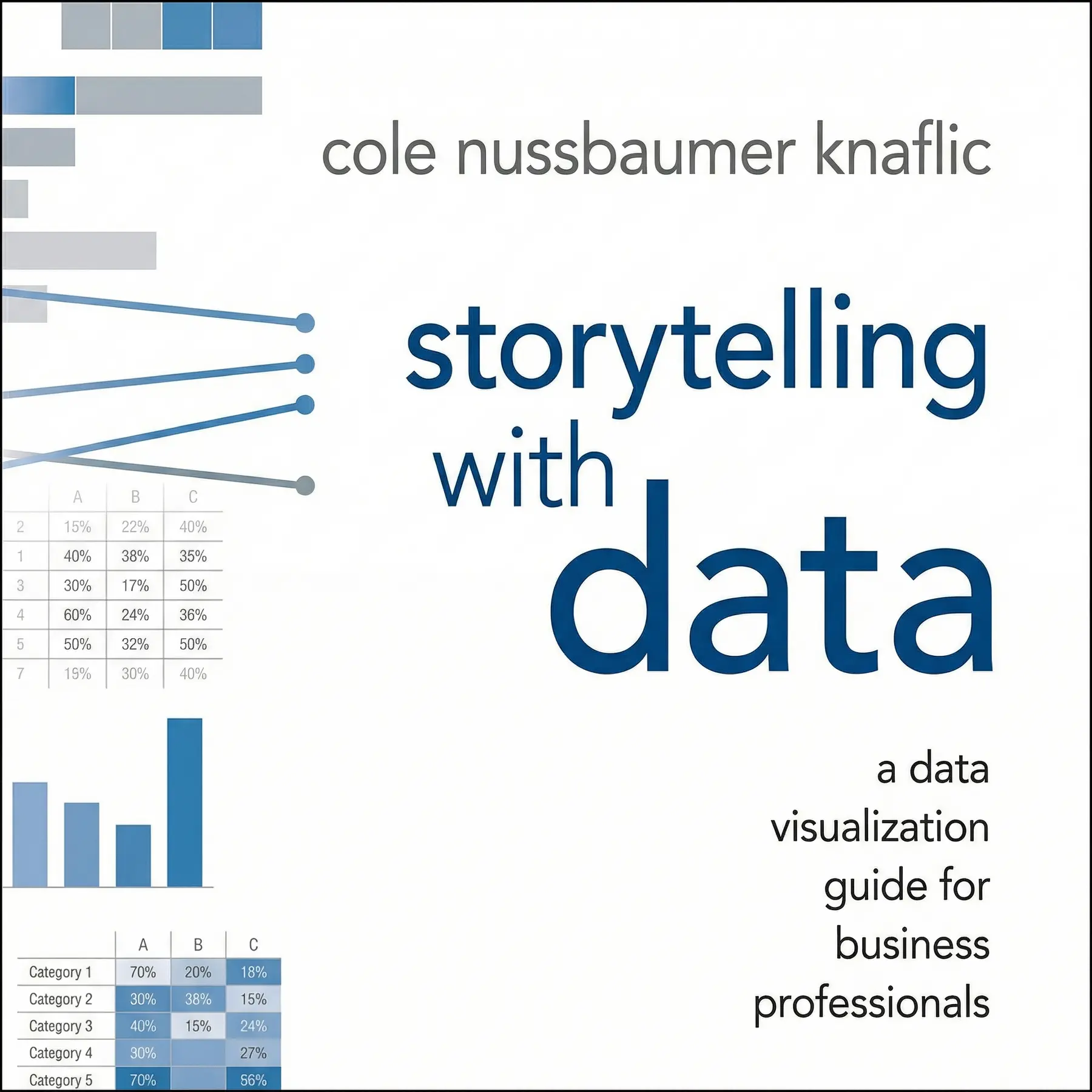
EnglishStorytelling with Data: A Data Visualization Guide for Business Professionals
Shows business professionals how to turn raw numbers into clear charts and short stories that get an audience to act. Start with context, choose simple visuals, cut the clutter and guide the eye.
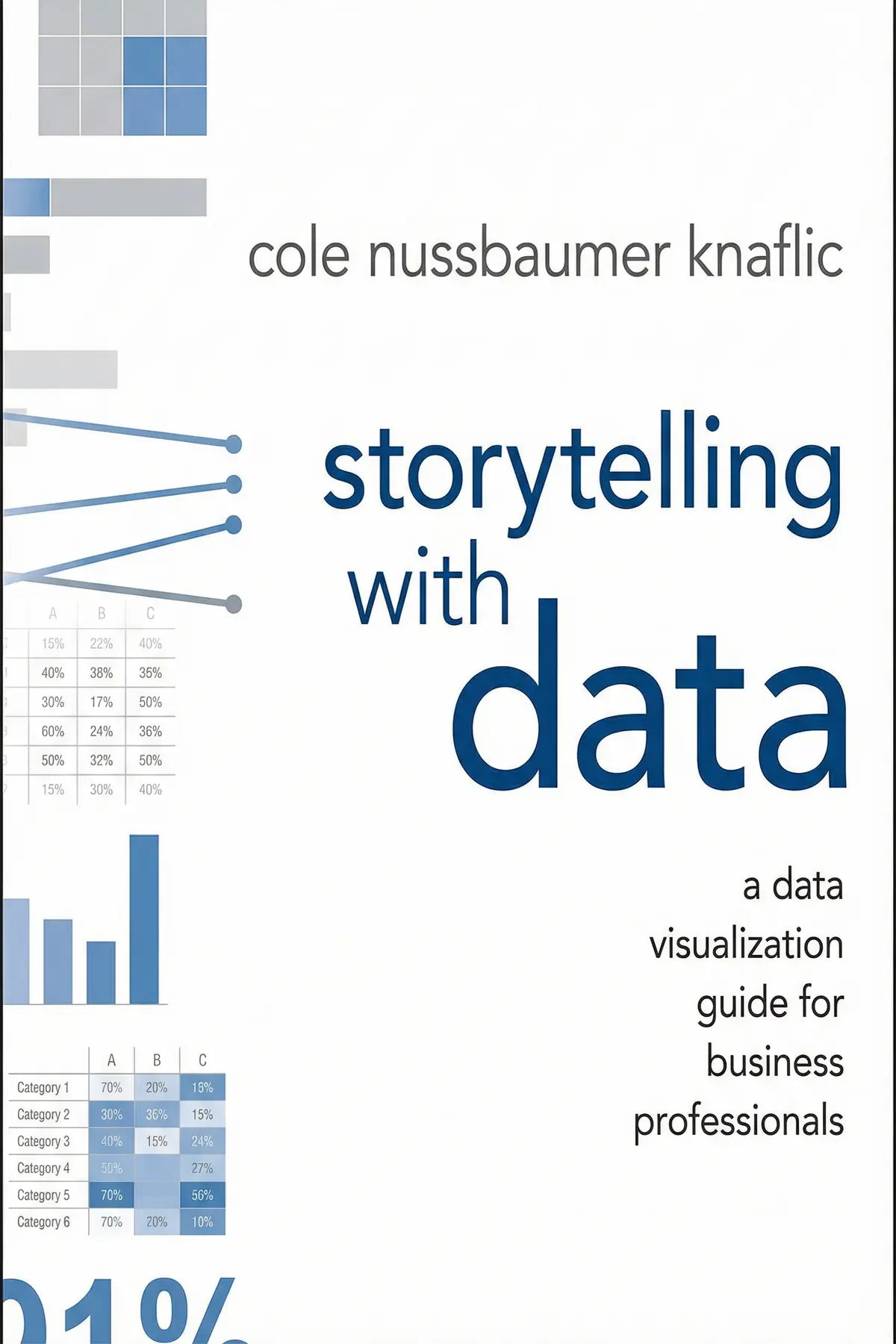
Table of Content
1. Introduction
58 sec
Most charts in business meetings fail the same way. They show everything and say nothing, and people leave without deciding anything. In Storytelling with Data, Cole Nussbaumer Knaflic, a business analytics specialist who has worked at Google, argues that the fix has nothing to do with better software. Anyone can build a graph in Excel. What almost nobody is taught is how to tie numbers to a narrative.
Her case is that data persuades when you work in a set order. Decide who has to act and on what. Pick the plainest visual that shows it. Strip away whatever competes for attention, point the eye at the one thing that matters, and carry it all in a story with a beginning, middle and end.
Follow that order and the spreadsheet you once buried on slide twelve becomes a recommendation people act on. Along the way you get a handful of checks to run on any chart before it leaves your desk.
2. Decide who must act before you build anything
2 min 11 sec
Sharing every number you have feels thorough and generous. Knaflic sees it as one of the most common reasons a presentation goes nowhere, and her cure starts long before anyone opens a spreadsheet.
3. Pick the chart that says it fastest
2 min 03 sec
Pie charts, 3D bars and dense tables fill business decks everywhere. Knaflic explains which forms the eye reads easily, which ones mislead, and when the smartest visual is no graph at all.
4. Cut the clutter that tires your audience
2 min 01 sec
A simple sales trend should take seconds to read, yet many charts turn it into a puzzle. The reason is a hidden cost every extra line and label charges the viewer, and it adds up fast.
5. Steer every eye to the one number that matters
2 min 04 sec
Your brain notices some things before you have decided to look at anything. Knaflic shows how to use that split second so an audience lands on your message first, every time.
6. Borrow a mapmaker's trick to make charts feel effortless
2 min 12 sec
One of the most famous maps ever drawn is deliberately inaccurate. The thinking behind it, along with a lesson from door handles, explains why some charts feel easy and others feel like homework.
7. Turn your numbers into a story people remember
1 min 52 sec
A children’s tale about a girl and a wolf can teach more about business presentations than most slide templates. The reason lies in a structure storytellers have relied on for centuries, and it works on data too.
8. Conclusion
1 min 08 sec
What Knaflic offers, finally, is a change of role. The person holding the spreadsheet stops supplying charts and starts telling the room what the numbers mean and what to do about them. Every technique in the book serves that role. Context gives you the point. The right visual and a clean page let it show. Color and placement aim the eye, and a story with real tension keeps it in memory after the meeting ends.
The habits are small enough to start this week. Before you build anything, write your Big Idea as one sentence and name the specific people who must act on it. When the chart is done, turn most of it gray, give one color to the single thing that matters, and place it where the eye begins. Then hand it to a colleague and ask what they see before you explain anything. If their answer matches your sentence, you are ready.
Harry Beck traded geographic precision for clarity, and his map remains iconic. Your charts can leave things out too, as long as what remains tells people where to go.
About this book
What is this book about?
Charts are everywhere in business, and most of them fail. They come crowded with colors, gridlines and legends, and the room leaves without a decision. Cole Nussbaumer Knaflic argues that software is not the problem, since anyone can make a graph. The real gap is that hardly anyone is taught to join numbers to a narrative. Her method runs in a clear order. First, settle the context: exactly who the audience is, what you want them to do, and whether you will present live or in writing. Then choose the simplest visual that carries the point, which is sometimes just one bold sentence. Remove the clutter that wears viewers out, and use size, color and placement to direct their attention. Borrow principles from design, from Harry Beck's London Underground map to the idea of affordances. Finally, shape the whole thing into a story with a setup, a conflict and a resolution. Readers get a practical set of checks they can run on any chart or slide deck: a one-sentence Big Idea, a three-minute story, the zero-baseline rule for bars, gray with one accent color, and a quick test with a colleague before anything goes out.
Book Information
Who it's for
Analysts and knowledge workers
Analysts and knowledge workers whose charts get polite nods and no decisions.
Presenting data to managers
Early-career professionals who present data to managers and want to sound clear and confident.
Team leads reviewing reports
Team leads who review reports and slide decks and want a shared standard for good visuals.
About the Author
Cole Nussbaumer Knaflic
Cole Nussbaumer Knaflic helps people turn complicated data into visual stories. Her background is in business analytics, and she has worked at Google. She founded storytelling with data, which runs workshops and presentations for companies, philanthropic organizations and individuals around the world. She also wrote a follow-up, Storytelling with Data: Let's Practice!, with hands-on exercises for building visualization skills.
Ratings & Reviews
Ratings at a glance
What people think
Listeners describe this work as useful and enlightening, offering straightforward guidance and thorough case studies that turn it into essential material for analysts and management. Its approachable and digestible tone is paired with a wealth of visual aids showing practical applications. Listeners value the way it refines data visualization techniques, with one listener highlighting how well it boosts both understanding and memory.
Top reviews
Wanida
This book is an absolute game-changer for anyone who has ever felt overwhelmed by a massive Excel spreadsheet. Knaflic breaks down the art of data visualization into digestible steps that feel remarkably intuitive once you see them in action. I loved the emphasis on context; it’s not just about making a pretty chart, but about understanding what you want your audience to do. The 'before and after' examples are the highlight of the text for me. They demonstrate how small changes in color or alignment can drastically improve the clarity of a message. To be fair, some of the advice feels basic, but seeing it applied systematically makes all the difference in a professional setting.
Show moreFatima
Finally got around to reading this, and I’m kicking myself for waiting so long. As someone who works in management, I constantly see data being presented as a 'look at this' instead of a 'do this.' Knaflic’s background at Google really shines through in her practical, no-nonsense approach to business communication. She treats data visualization as a language rather than a chore. The chapter on decluttering alone justifies the purchase price, as it teaches you how to strip away everything that distracts from your core message. I’ve already started applying the 'Big Idea' concept to my weekly reports, and the feedback has been phenomenal. It’s essential reading for anyone who needs to influence decision-makers.
Show moreYaowaluk
Wow. This is the first technical book I’ve read that actually felt like a conversation with a mentor. Cole makes the complex world of data viz feel accessible without being patronizing. The way she dismantles 'default' Excel settings is both hilarious and deeply necessary for modern professionals. We are drowning in data but starving for insights, and this book provides the life raft. Look, you don't need to be a graphic designer to make impactful slides; you just need to understand how the human brain processes information. I particularly enjoyed the sections on Gestalt principles, which helped me realize why my previous charts felt so disorganized. It’s a must-read for my entire team.
Show moreChai
After hearing so much buzz about Cole Nussbaumer Knaflic, I had high expectations, and she delivered. Most people just export a chart and think their job is done, but this book proves that's just the beginning. The writing style is punchy and direct, making it easy to finish in a few sittings. I love how she highlights the 'so what?' factor that is so often missing from business presentations. You are forced to think about who your audience is and what they need to know. It has transformed the way I approach every single graph I create. If you want your work to actually be understood and acted upon, you need this book in your library.
Show morePatchara
This book should be required reading for every MBA student and data analyst on the planet. I’ve spent years making 'okay' charts, but now I understand how to make them persuasive and memorable. The transformation from the initial messy data dump to the final clean visual is like watching a magic trick. Knaflic’s advice on using color sparingly to highlight key takeaways is a simple tip that yields massive results. I also found the 'case studies' at the end to be very helpful for seeing how these rules apply across different industries. It’s practical, it’s visual, and it’s immediately useful. Stop making boring slides and start telling stories instead.
Show moreValentina
Direct and impactful. Cole doesn't waste time with fluff; she gets straight to the core of what makes a visualization work or fail. The logic is grounded in cognitive science, but she explains it in a way that anyone can grasp. I especially liked the focus on 'eliminating clutter.' It's amazing how much more powerful a graph becomes when you simply remove the borders and redundant labels. In my experience, most business friction comes from a lack of clarity, and this book solves that problem head-on. It isn't just about data; it’s about becoming a better communicator. I’ve recommended it to three people this week already.
Show moreRotjanee
Ever wonder why your colleagues seem to zone out during your monthly status updates? It might be because your slides are cluttered with unnecessary gridlines and labels that don't actually add value. Cole Nussbaumer Knaflic offers a clear roadmap for cutting through the noise to find the actual narrative. Truth is, I used to just slap a graph on a slide and call it a day. After reading this, I realize I was neglecting the most important part: the story. While the book focuses heavily on static charts, the principles of cognitive load and pre-attentive attributes are universally applicable. It's a solid 4-star read that I'll keep on my desk for reference.
Show moreMoo
Picked this up on a recommendation from my mentor and found the layout to be incredibly pleasing to the eye. It is clear that the author practices what she preaches regarding design principles and white space. I appreciated how she walked through the transition from exploratory analysis to explanatory storytelling. Personally, I think the book could have used a bit more variety in its chart types, as it sticks mostly to the basics. However, the focus on 'preattentive attributes' like color and size really helped me understand how to direct an audience’s gaze. It bridges the gap between raw data and actionable insight beautifully, even if it skips over the more complex interactive visualizations.
Show moreAna
Not what I expected given the massive hype surrounding this title in the data science community. Frankly, if you’ve spent any time reading Edward Tufte or Stephen Few, you’ve already encountered these concepts in much greater detail. The author spends a lot of time on what I would consider common sense, such as choosing the right chart type or avoiding 3D pie charts. It felt like a very long blog post stretched into a full-length book format. I was hoping for more advanced techniques or perhaps a deeper dive into the ethics of visual persuasion. If you're a complete beginner, you might find value here, but seasoned analysts should probably look elsewhere.
Show moreYuwadee
The chapter on storytelling was the high point for me, but the rest of the book felt a bit repetitive. Coming from a design background, I was looking for something that addressed interactive UI or complex infographics. Instead, this is very much aimed at the PowerPoint crowd in corporate settings. It’s not a bad book by any means, but it feels like it’s redefining usability principles that have existed for decades. Gotta say, the emphasis on 'the story' is great, yet I found the lack of ethical discussion concerning. How do we ensure we aren't manipulating the audience with these visual tricks? It’s a decent primer, but it lacks the depth of Alberto Cairo’s work.
Show moreQuestions about this book
What is the main idea of Storytelling with Data?
Cole Nussbaumer Knaflic argues that charts fail because people are rarely taught to combine numbers with narrative, not because of weak software. Her method runs in order: understand the context and audience, choose the simplest effective visual, remove clutter, use size, color and placement to direct attention, apply design principles, and shape the result into a story with a setup, conflict and resolution.
What is the Big Idea in Storytelling with Data?
The Big Idea is a single sentence that states your unique point of view and what is at stake. Knaflic pairs it with a three-minute story covering the issue, the data and the recommended action. Her example is a pilot summer science program: survey data showed a 70 percent rise in positive attitudes, and the Big Idea recommends continuing the program.
Why does Knaflic advise against pie charts?
Pie and donut charts ask viewers to compare angles or arc lengths, which people judge poorly, so the comparisons are hard to read accurately. She recommends bar charts for categories, always starting at a zero baseline, and line graphs or slopegraphs for data over time. She also advises avoiding 3D effects unless the data really has three dimensions, because depth distorts perception.
How can I make my charts easier to read right away?
Remove clutter such as heavy gridlines, borders and legends, and label data directly. Set most elements in gray and use one bold color for the key point, avoiding red and green together for colorblind viewers. Put the most important information at the top left. Then show the chart to a colleague and watch where their eyes land first.
Who should read Storytelling with Data?
It suits business professionals who present data in meetings, reports or slide decks, including analysts, managers and early-career staff. It is especially useful for anyone whose charts get attention but no action, and for team leads who want a common standard, since it also covers how to win colleagues over to a new design approach with side-by-side comparisons.
Readers also enjoyed

AUDIO SUMMARY AVAILABLE
Listen to Storytelling with Data in 15 minutes
Get the key ideas from Storytelling with Data by Cole Nussbaumer Knaflic, plus 5,000+ more nonfiction titles.
- 5,000+ titles
- Listen as much as you want
- 7-day free trial
- Cancel anytime